
Shared Cloud
Our standard cloud service
Use Smartsign’s shared cloud service without running your own Smartsign server. In Publisher, you manage content, screens, publishing, and user permissions.
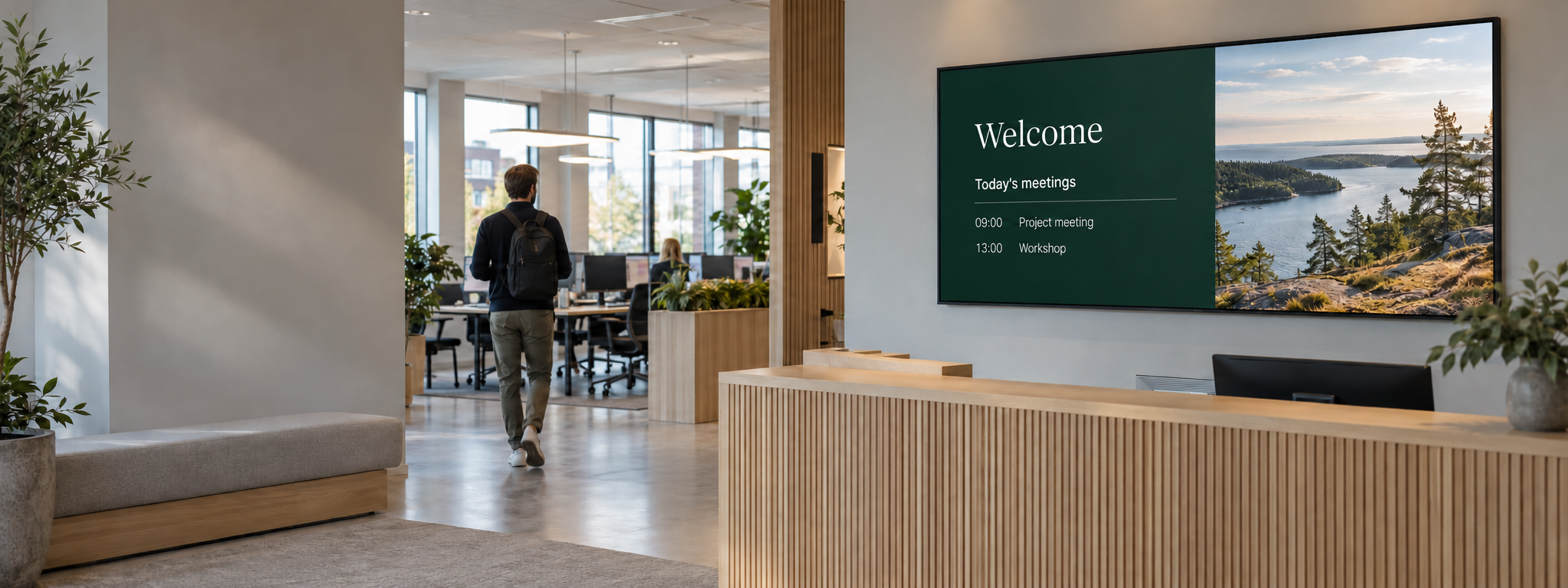
SMARTSIGN CLOUD
Manage content and screens in Smartsign Publisher. With our cloud service, you don’t need your own Smartsign server.
With Smartsign Cloud, you work in Publisher through your web browser. The cloud service distributes content and schedules to your connected screens, whether they are in one office or across multiple locations.
SHARED CLOUD & PRIVATE CLOUD
Smartsign is available as a shared cloud service or a customer-specific cloud solution. The right option depends on your organization’s IT requirements and setup.
Our standard cloud service
Use Smartsign’s shared cloud service without running your own Smartsign server. In Publisher, you manage content, screens, publishing, and user permissions.

A customer-specific cloud solution
Private Cloud is an option for organizations that need a customer-specific cloud setup. Together, we review your requirements for hosting, access, and integrations to determine how the solution should be configured.
Contact us to discuss your needs and the differences between the options.
Use Smartsign as a cloud service instead of running a local server installation.

Manage content, scheduled bookings, and screens in Publisher using your account.

Organize screens and publishing across offices, departments, and operations.
Give central and local teams access to the resources and features they need.

Bring your organization’s communications together while letting local teams contribute content for their own locations.
Use channels and screen folders to organize which screens show organization-wide and local messages. User profiles and groups control what each person can do and which resources they can access.
The cloud service may be right for you if you:
We help you review your network, hardware, and any integrations before you get started.
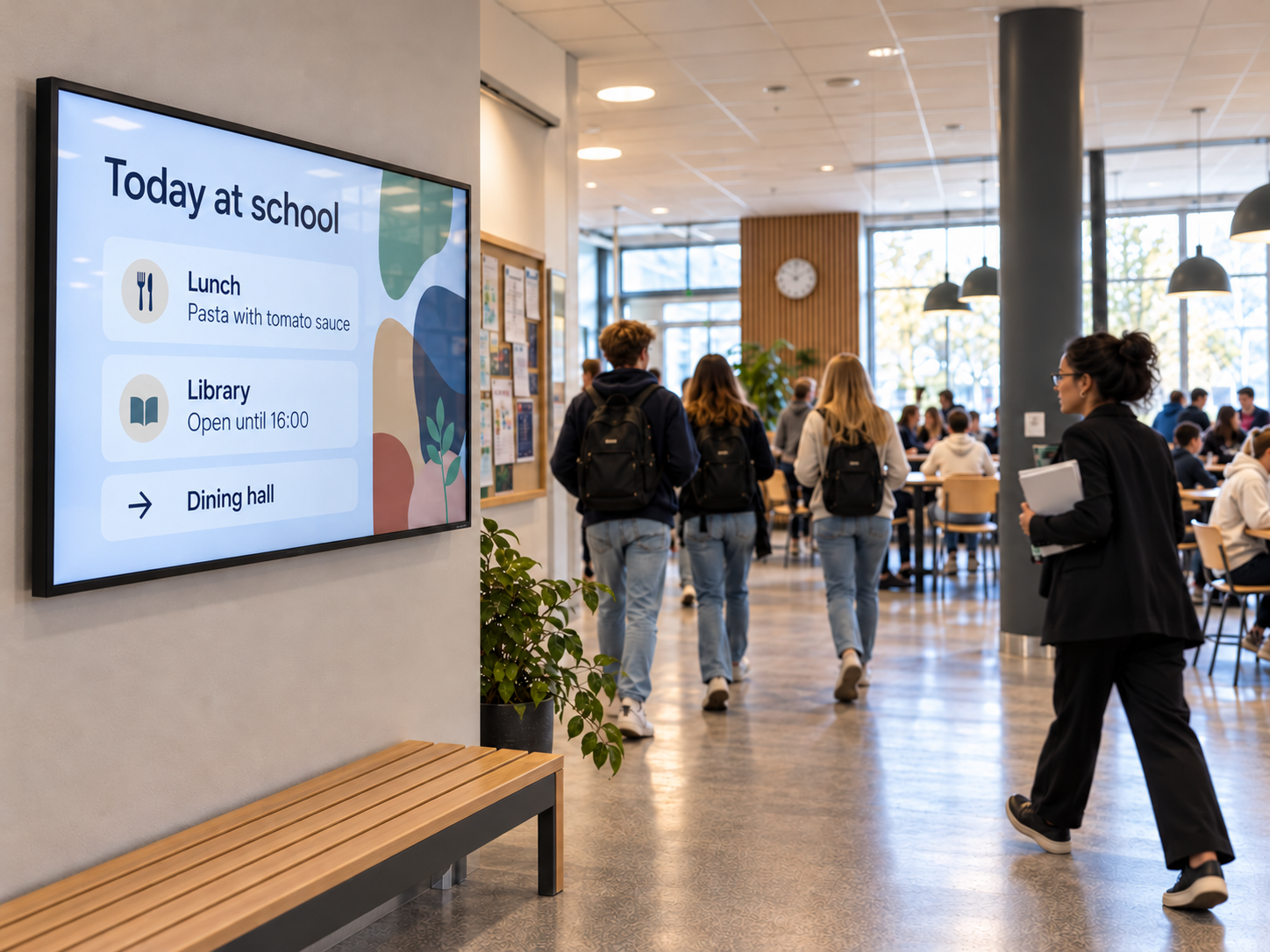
We review what you want to communicate, which screens you plan to use, and who will work in the system.
Set up your site and licenses. Prepare your screens and check that your network can connect to the service.
Register your screens and organize content, channels, and user access to fit your organization.
Add your media, create scheduled bookings, and choose which screens will display your content and when.
No. With Smartsign Cloud, you use the cloud service to manage and distribute content. You still need screens or players and a working connection to the service.
Yes. User profiles control which features people can use, while groups control which resources they can access. This lets you share responsibility between central and local teams.
That depends on the screens’ built-in players or the external players you use. We help you check hardware support and whether your equipment is suitable for the content you want to display.
Smartsign can use a range of information sources. The options depend on the source, integration, and player. Internal systems also need to be accessible in the way required by your chosen setup.
With cloud, the server component runs as a cloud service. With on-premises, Smartsign Server runs in your own IT environment. The choice depends on factors such as your hosting requirements, network, and internal policies.
Discuss your requirements for access, data processing, hosting, and integrations with us. We can then review your setup and the relevant documentation before you choose a solution.
LET’S TALK ABOUT YOUR NEEDS
Tell us about your organization and what you want to show on your screens. We help you review your setup and show you how Smartsign could work for you.