
Integration with external systems
By integrating Smartsign with your existing tools or other data sources, you get the most out of your digital signage solution with automated, always up-to-date content.
Keep your audience engaged and informed
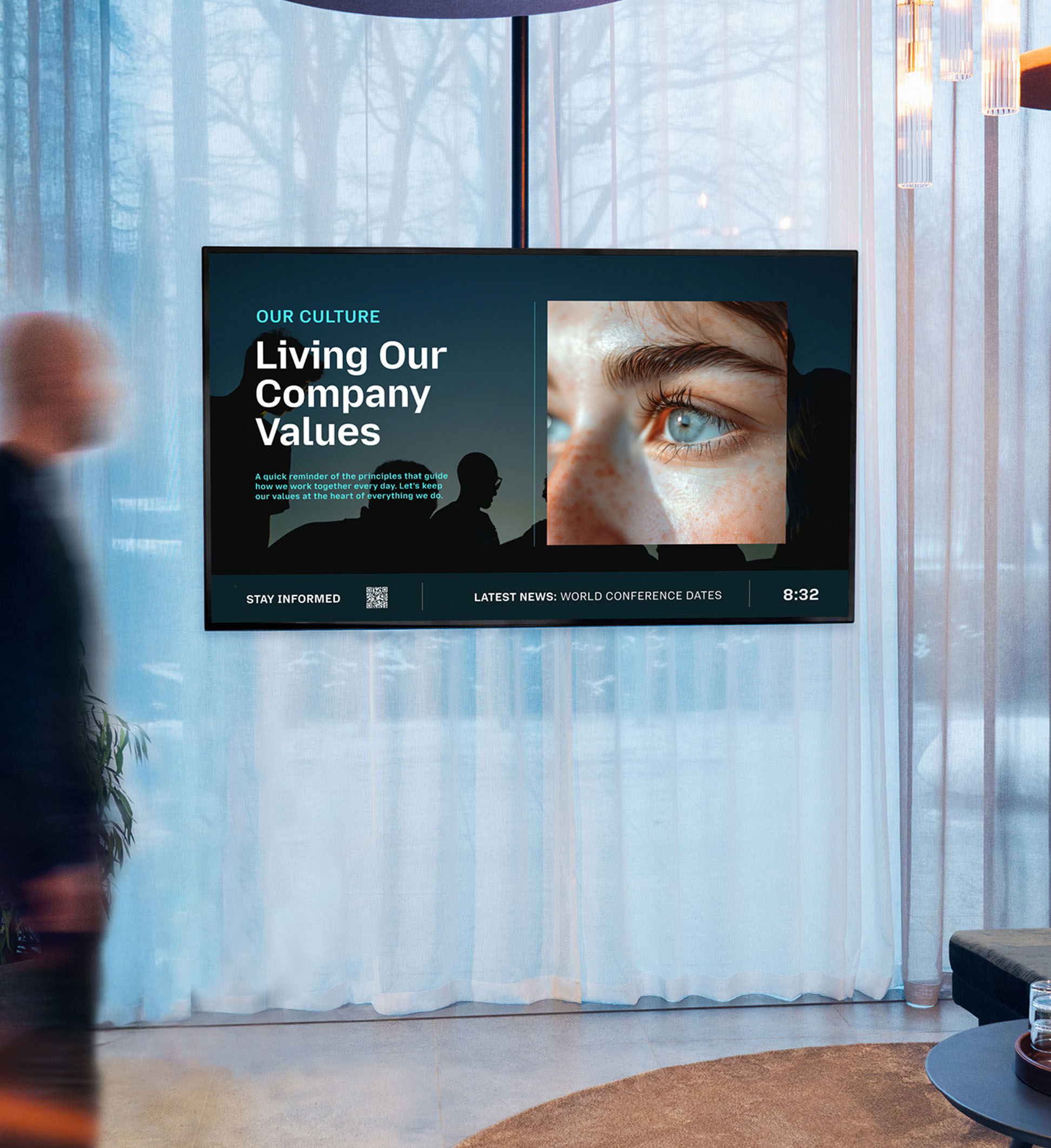
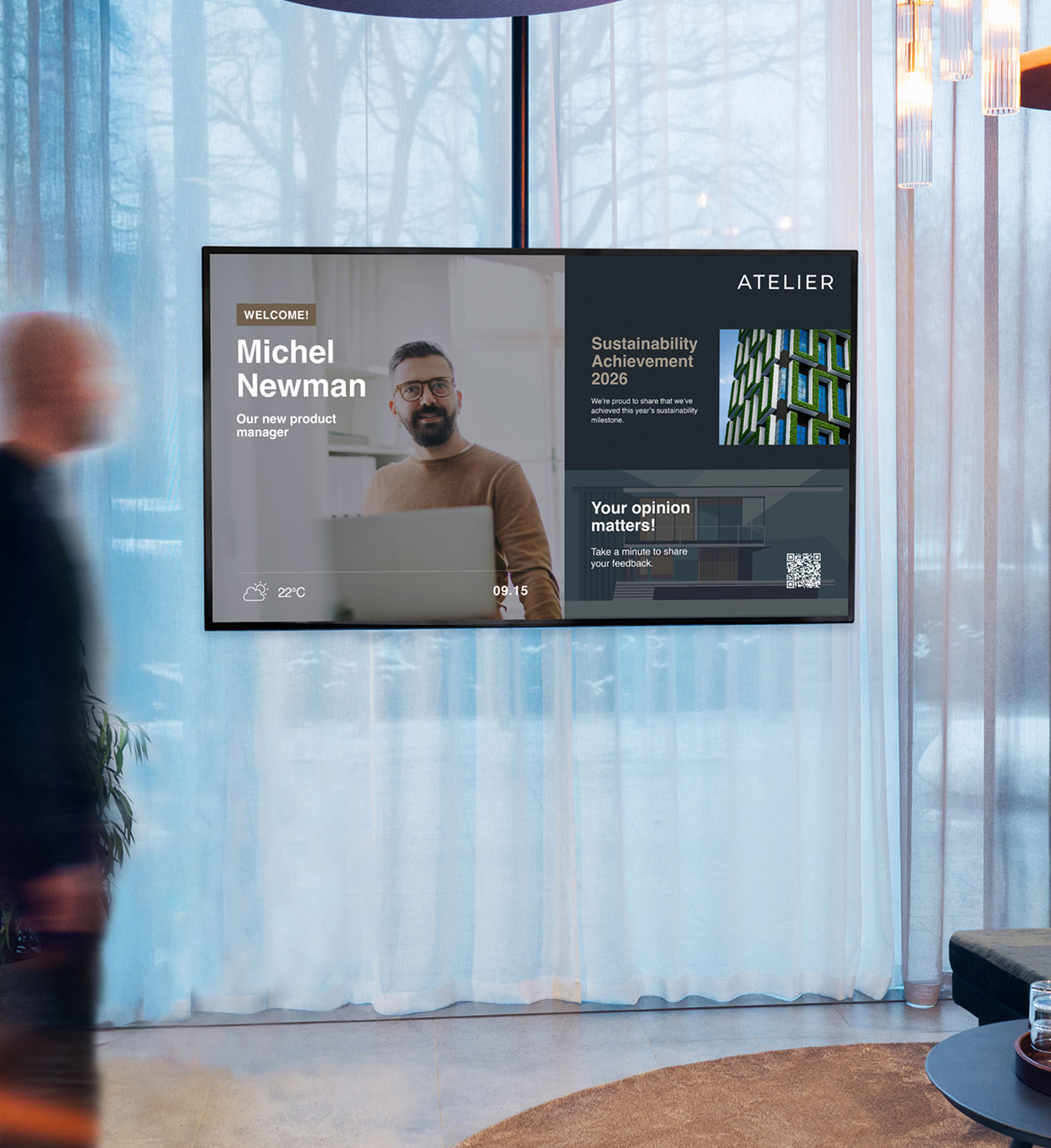
Smartsign can easily integrate with various external systems. Want to display your intranet news across all office screens? Just use a ready-made template to showcase the latest posts. You can also adapt the content to your brand, with full control over fonts, colors, layout, and pace. This way, automated content still looks and feels like your communication.
Integrate your everyday tools
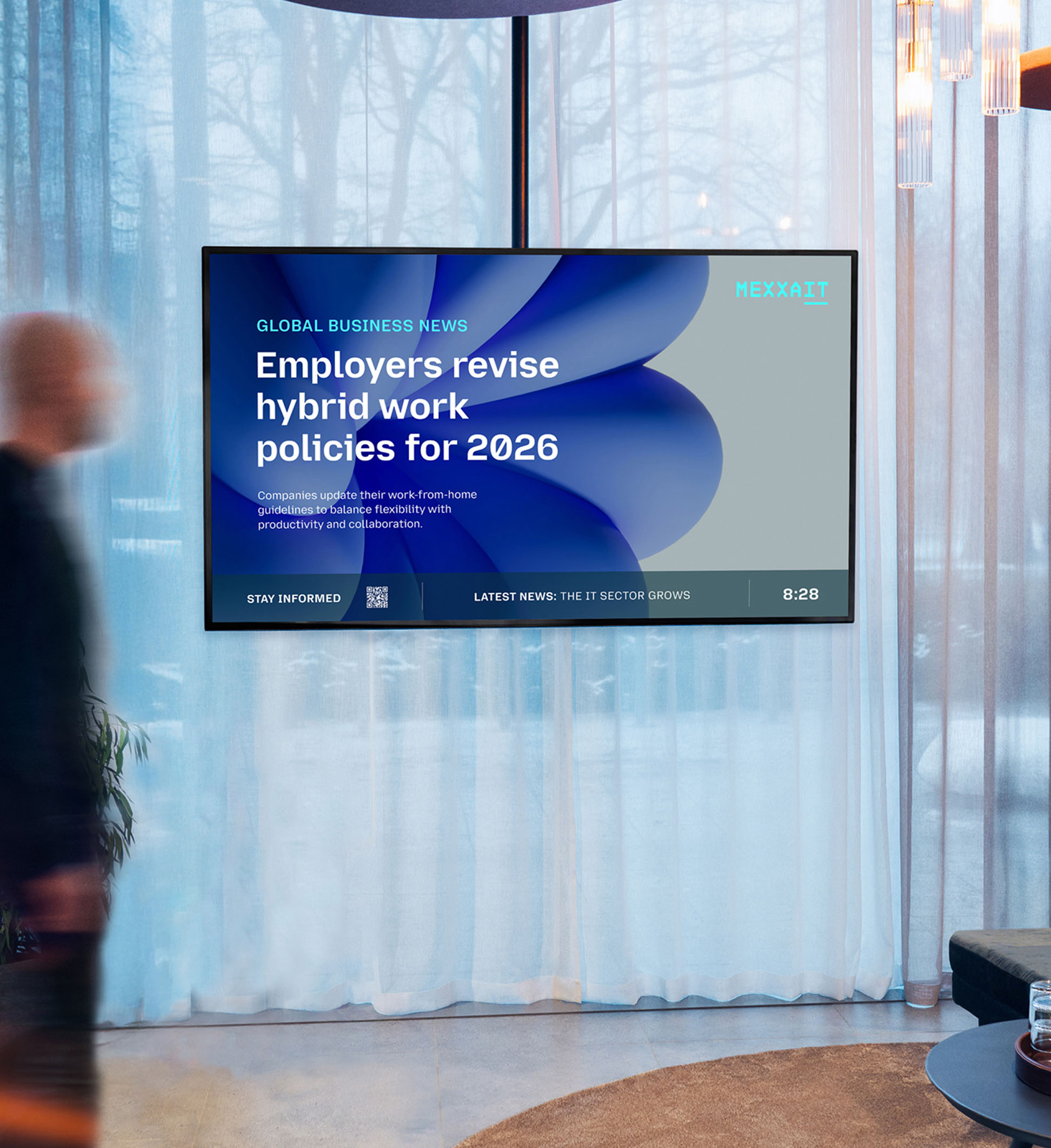
Whether it's informing your employees about news or reminding them on upcoming events, you can auto-update your content feed directly to your screens from your source of choice. The result? Displays that are always current and engaging – all while looking integrated into your brand identity.
-
Teams Channel
Display primary messages from a chosen Teams Channel chat.
-
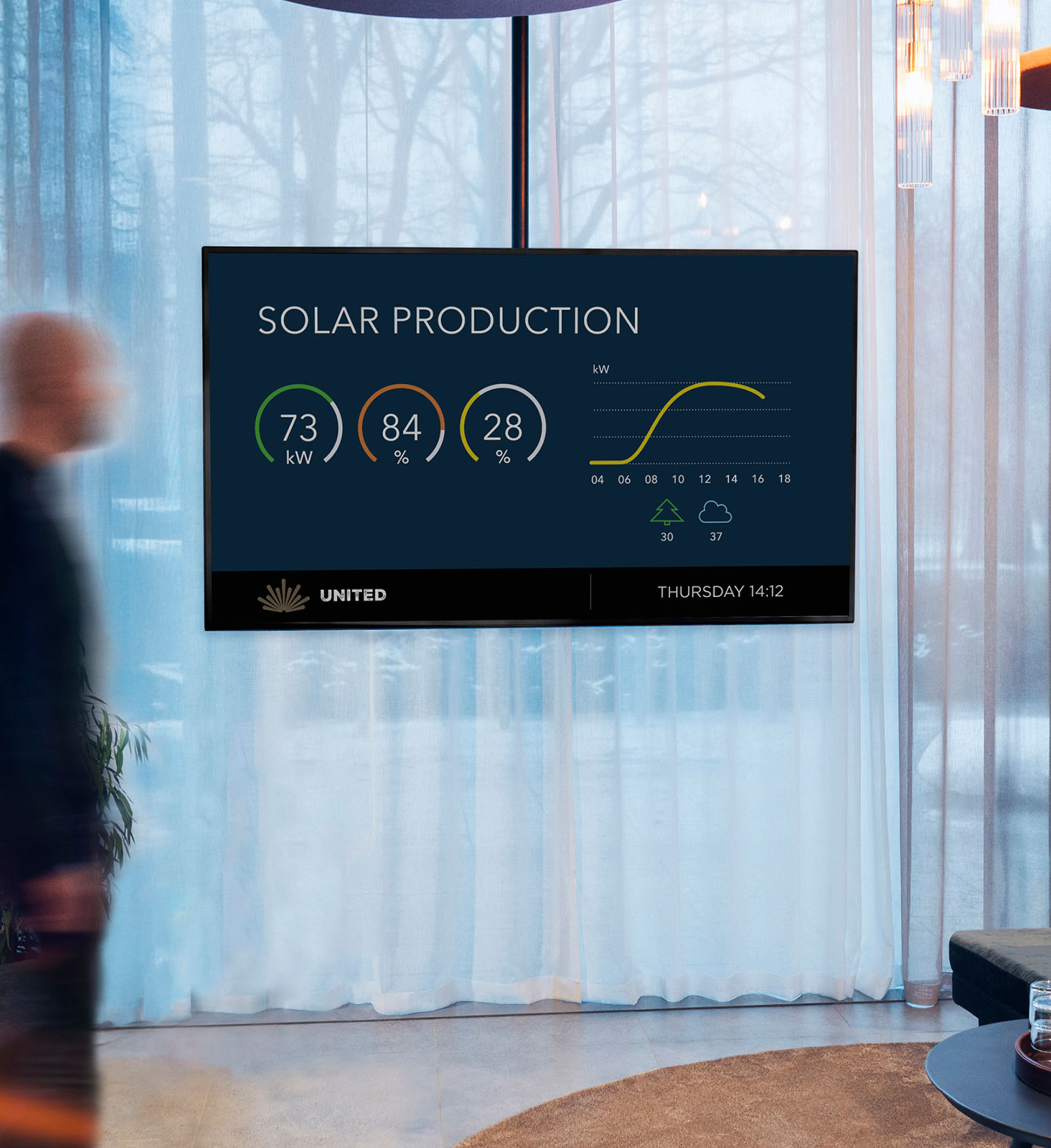
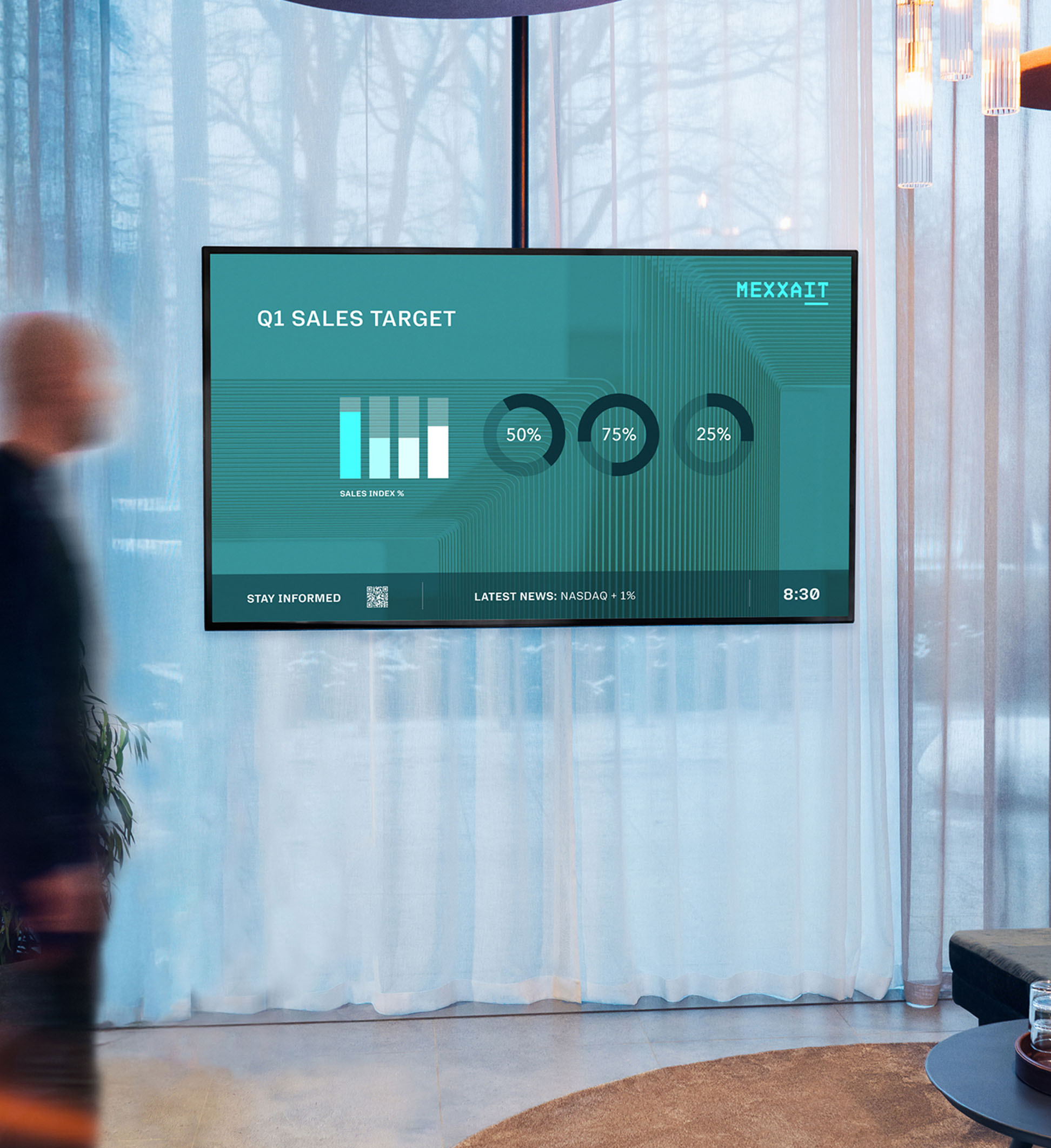
Power BI
Publish the latest reports and data from Power BI.
-
Your data
Integrate with your data source via our SmartWebTool and Snapshot, using JSON or XML.
-
Calendar
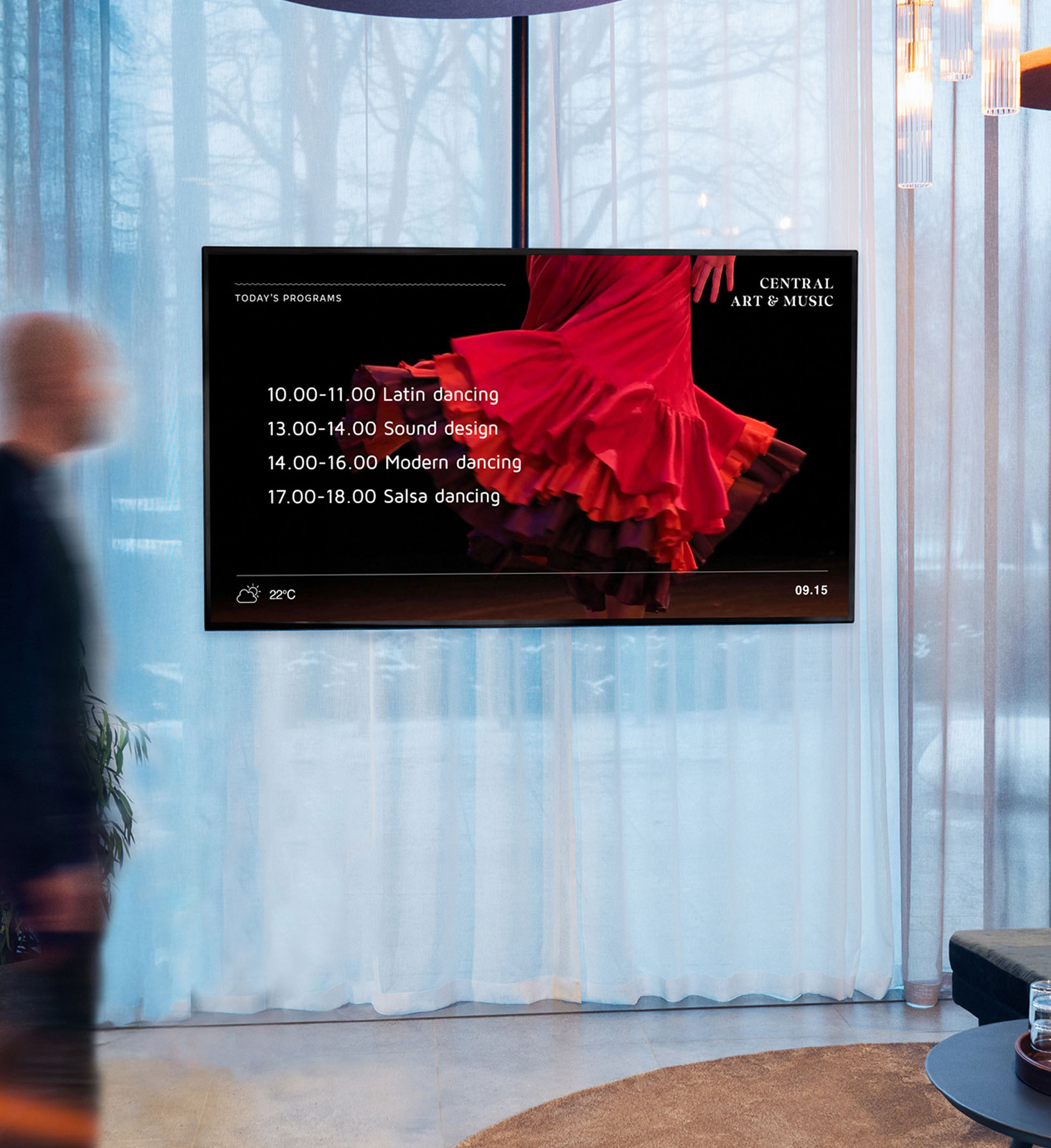
Show upcoming events, gym classes or workshops in pre-formatted designs.
-
RSS feeds
Use RSS to show formatted news feeds. Thousands of RSS sources available.
Explore integrations

Display the feed from your Instagram account on your screens. Only possible in our cloud service.

Display the latest posts and likes with the ready made template - or design your own!

OneDrive
NEW!
Integrate OneDrive and publish your documents and presentations directly to your screens.

Webpages
Publish web pages to your screens.
Powerpoint, Word, Excel, PDF
Import a wide variety of files for automated content updates.

Google Drive
NEW!
Display your message directly from Google Drive.

Teams Channel Chat
Display primary messages from a chosen Teams Channel chat.
Momentum Energy Dashboards
Display energy dashboards from systems like Momentum.
Power BI
Publish the latest data and reports from Power BI.
BRP
Show schedules from booking systems (gyms and other establishments).

Viva Engage
Show schedules from booking systems (gyms and other establishments).

Sitevision
Automatically display Sitevision news and updates on your digital signage screens.Wns.

RSS feeds
RSS can provide a simple way to retrieve many different kinds of data, like general news or info from intranets.

General Json Data
Smartsigns Template Creator has built in support for Json datasources in general.
General XML data
Smartsigns Template Creator has built in support for XML datasources in general.
Trafiklab
Trafiklab provides public transport info, easily displayed in a Smartsign template.

Tableau
Producion data from different datasources.
Weather Forecasts
Publish weekly weather forecasts for your location. With customised appearance to suit your screens.

IFTTT
IFTTT is one of the services that can be used to control the content on your Smartsign screens with webhooks.

Interbook GO
Interbook Go is a popular system for venue bookings.
Display the feed from your Instagram account on your screens. Only possible in our cloud service.
Display the latest posts and likes with the ready made template - or design your own!
Looking for something not covered here?
Not all integrations are listed on our website. Contact us to learn more.
Looking for something not covered here?
Not all integrations are listed on our website. Contact us to learn more.
Why use integrations? Top four benefits

Always up-to-date
By keeping your screens updated with realtime information, you can ensure your team always sees the latest news.

Always on brand
Choose your data source and adapt content to your brand identity, with full control over fonts, colors, layout, and pace.

Time saving
Automatic updates from your source of choice, reduce the need for creating manual messages.

Use your everyday tools
Keep using the tools you already work with. Smartsign lets you publish without switching platforms.
Tailored training
Book a personal training that we completely adapt to your needs and prior knowledge. With a tailored training, you only need to focus on the functions and parts of the system that relate to your business.
Customized screen design
Our experts help you create a layout adapted to the needs of the business you work in and ensure that the layout displays your most important messages. The design is adapted to the business’s graphic guidelines, either from scratch or where we convert your desired design into Smartsign templates.
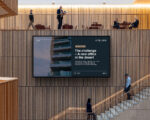

Smartsign 11 – the next generation in digital signage solutions
More about Smartsigns full offer and other services.